
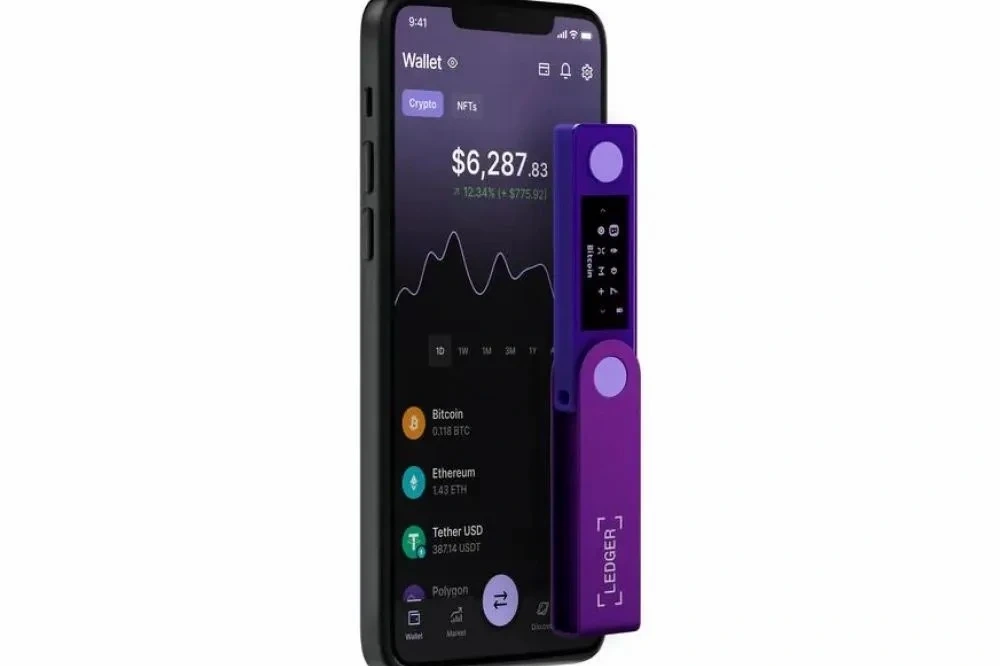
Intro: Recent incidents include multiple rounds of fake-support impersonation, fake update popups, and high-fidelity phishing emails. Attackers use "order anomaly" and "urgent patch" framing to lure users into entering the recovery phrase or installing unknown extensions. Here's a roundup of the patterns and their tell-tale signs.
Typical impersonation: Attackers pretend to be official support or logistics, proactively citing order numbers and names to build trust, then ask you to enter your recovery phrase or verification code on a webpage or chat app.
Fake update popups: Popup or email framing around "urgent patch" or "wallet version expired," with a download link or browser extension. The target is a phishing site or malicious binary.
Risk signals: Domain mismatches or typos; urgent tone with countdown; requests to disable security software or enable remote assistance; pressure to continue the conversation in a chat app.
Official verification principles: Check for updates only inside Ledger Live or on the official site; never enter the recovery phrase, private keys, or verification codes in email or on a webpage; when in doubt, reconcile order and version status in-app before acting.
Safety reminder: We will never ask for your recovery phrase, PIN, verification codes, or private keys. Anyone requesting them is attempting fraud — do not share and do not proceed.
