
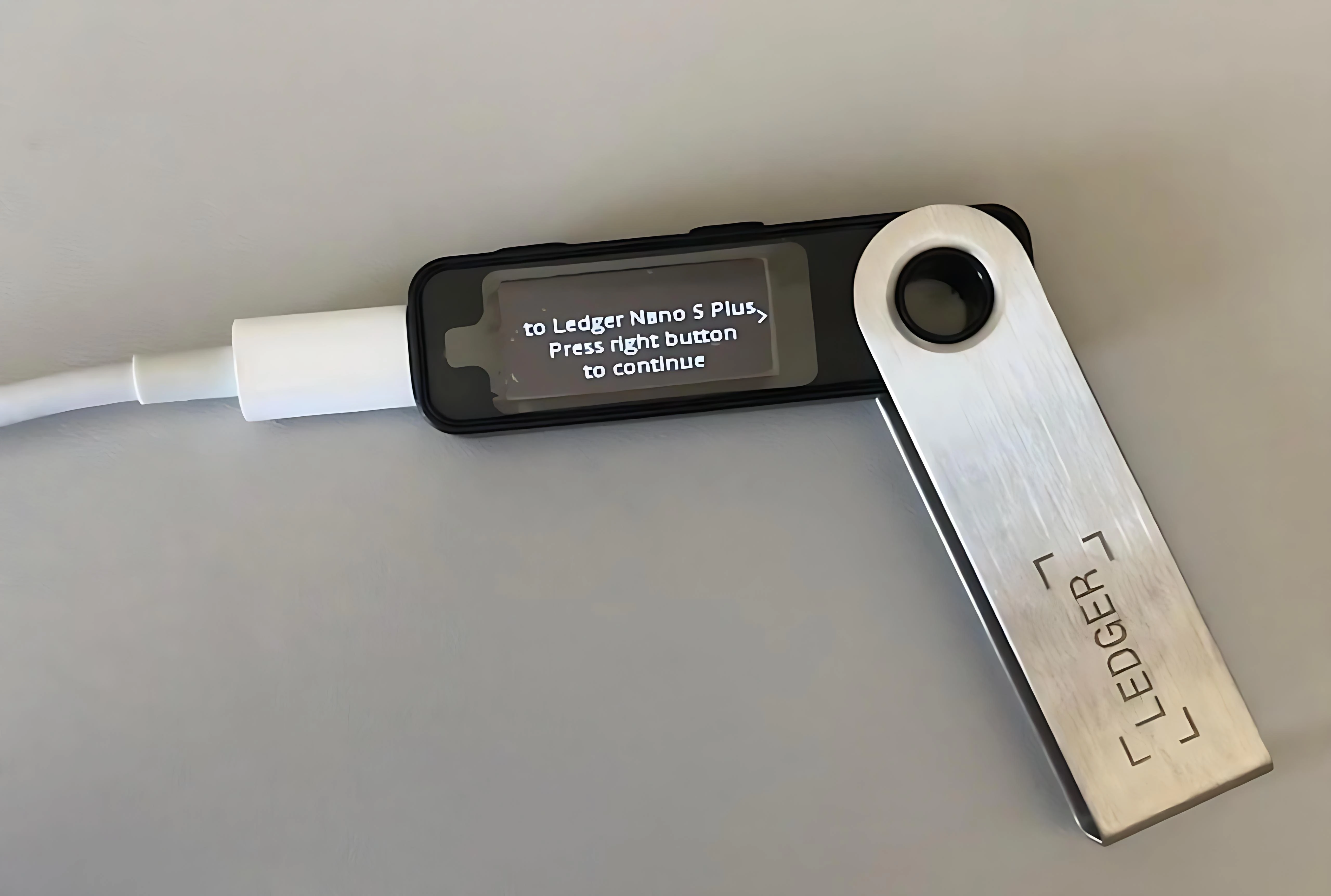
Intro: Recent incidents include fake update popups and webpages framed as "system expired" or "urgent patch," luring users into entering the recovery phrase or installing unknown extensions. This note covers the tells and the verification principles for regular users.
Common impersonation signals: Domain mismatches or typos; urgent countdown; requests to disable security software or enable remote assistance; download links for archives or browser extensions.
Risk signals: Popups or emails directly asking for recovery phrase, private keys, or verification codes; redirects to a non-official domain; chat apps continuously asking for wallet-page screenshots.
Official verification principles: Check updates only inside Ledger Live or on the official site; never download a patch via an email button or popup; if in doubt, view the in-app version and advisory first.
Response guidance (principle-level): If a prompt looks suspicious, stop, keep a screenshot, and verify via official support. Never type the recovery phrase on a webpage. Never install an extension of unknown origin.
Safety reminder: We will never ask for your recovery phrase, PIN, verification codes, or private keys. Anyone requesting them is attempting fraud — do not share and do not proceed.
