Skip to content
Ledger Stax™ — Specs, Connectivity, Compatibility & Onboarding

Ledger Stax™ — Specs, Connectivity, Compatibility & Onboarding

Reference summary for the Ledger Stax™: curved E Ink touchscreen, Bluetooth / USB-C / NFC, Qi wireless charging, compatibility notes and safe-use reminders. Information only.

  • Verified genuine Ledger hardware
  • English support available
  • Recovery phrase stays with you
2999
Genuine Product
Privacy Protected
Expert Support

Available Versions

Standard

Availability of specific versions — please confirm with support.

Specifications

Connectivity: Bluetooth® (BLE 5.2, for iOS/Android); USB Type-C (desktop and Android); NFC; Qi wireless charging support
Interface: USB Type-C; Bluetooth (BLE 5.2); NFC; Qi wireless charging
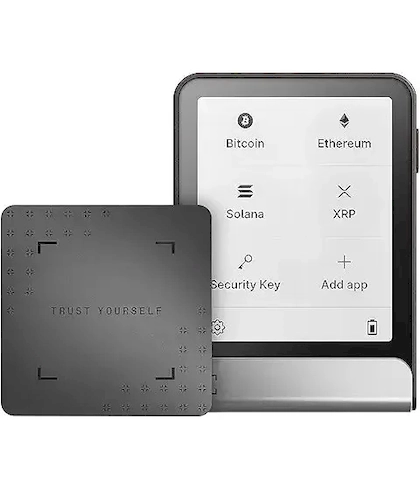
Interaction: Curved E Ink® touchscreen; 16 greyscale levels; display resolution 400×670
Dimensions & weight: 85mm × 54mm × 6mm; approx. 44.2g (officially described as "credit-card size")
Security: Secure Element chip (ST33K1M5); CC EAL6+ certification; Ledger OS
Compatibility: 64-bit computer systems (Windows 10/11; macOS; Ubuntu LTS) and supported mobile OS per official requirements

Authenticity & Notes

Initialisation must be completed by you alone; recovery information stays offline — never photograph it, never share it
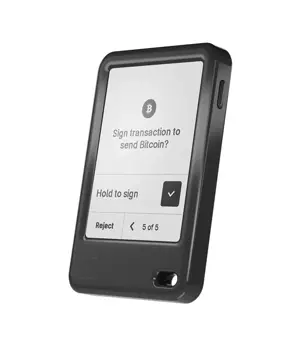
Before authorising or transferring, verify against what is shown on the device screen
When confronted with unfamiliar prompts or rushed confirmations, pause first and verify the source

Use Cases

Users who prefer to "see clearly before confirming" (larger screen is more comfortable to read)
Hybrid phone + computer use (Bluetooth/USB-C dual paths)
Users who want a tidier desk setup (thanks to wireless charging support)

Service Scope

Everyday use / hybrid desktop + mobile / users who value screen reading experience
Long-term use

Privacy Protection

Offline storage + on-device confirmation

Product Overview

Overview

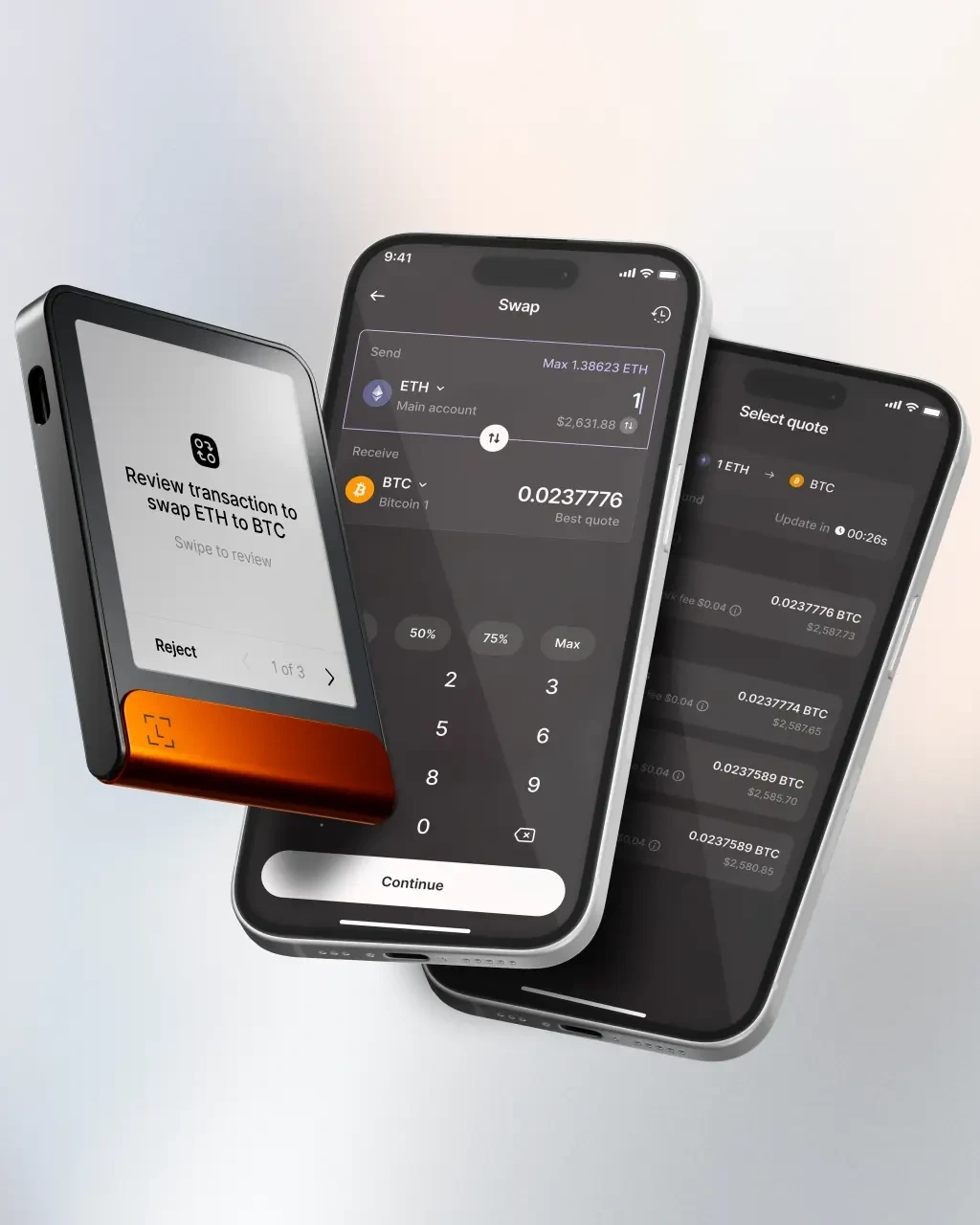
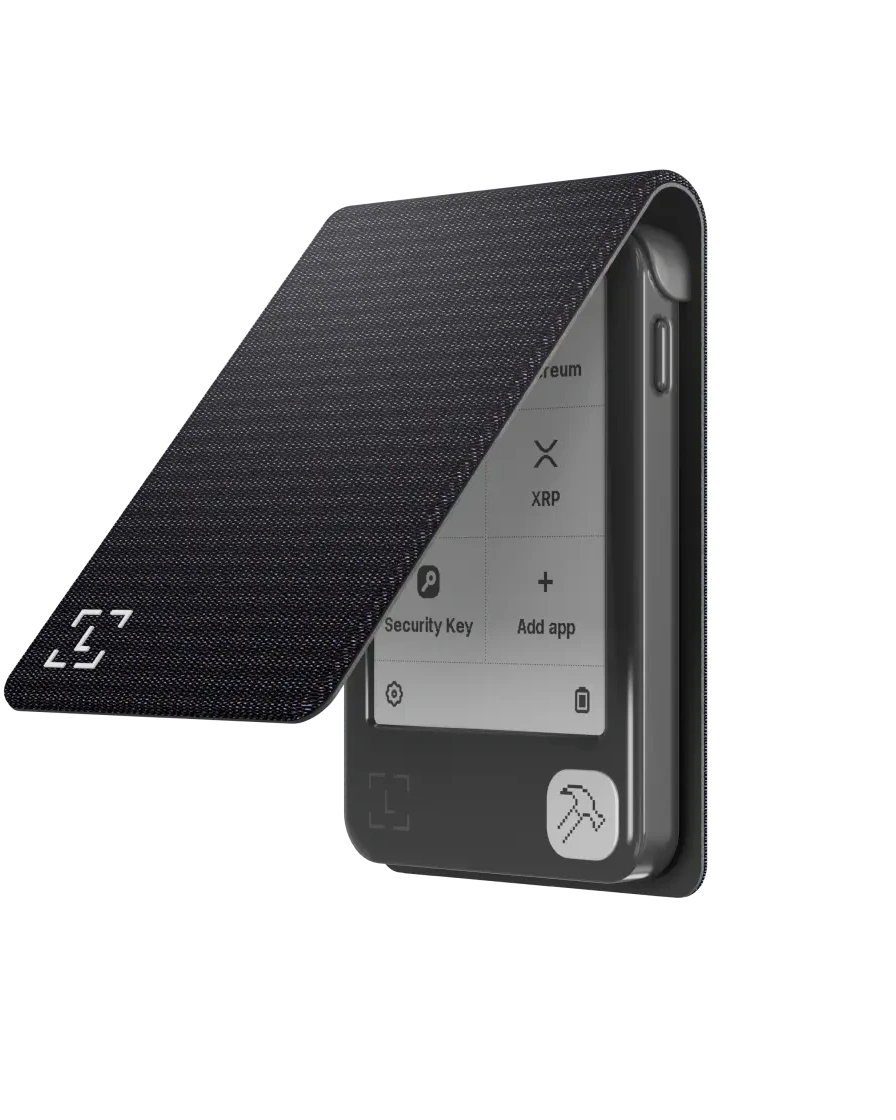
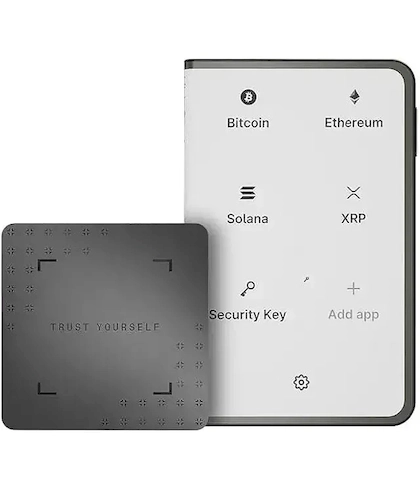
The Ledger Stax™ leans into readability and confirmation experience: a curved E Ink touchscreen makes key information easy to read, and the touch UI makes approvals feel more direct. It supports Bluetooth, USB-C, and NFC, plus Qi wireless charging — suitable for mixed desktop / mobile use.

Connectivity & Compatibility

  • Mobile: Bluetooth BLE 5.2, works with iOS and Android.

  • Desktop / Android: USB-C.

  • Other: NFC and Qi wireless charging (subject to official documentation and actual usage scenarios).

System requirements match the official checklist: 64-bit Windows, macOS, or Ubuntu on desktop, and iOS 14+ / Android 10+ on mobile. Chromebook is not supported.

Size & Weight

Officially described as card-sized: 85 × 54 × 6 mm and approximately 44.2 g — comfortable to carry and practical as a long-term backup device.

Security Reminders

  • Setup and recovery information must be generated independently by you and kept offline.

  • Confirm each action using what the device screen shows — don't rely only on the phone or computer UI.

  • Refuse any request to share recovery information, verification codes, or "remote assistance to export wallet data" — without exception.

Standing disclaimer: this page is an information reference only. It does not constitute a promise or recommendation. Choose based on your own needs and remain cautious with sensitive information.

(Product specification source: Ledger.)
FAQ

Q Recovery Phrase Lost — Risk Explanation
A

While the device works, migrate to a new wallet with a recovery phrase you properly back up. Never leave yourself without a valid phrase.

Safety reminder: Never share your recovery phrase, PIN, or verification codes with anyone. Always verify using the device screen. Use on… More FAQ

Q Which Coins Does Ledger Support? — Coin Support
A

For an up-to-date list, check Ledger Live's Manager. Major networks include BTC, ETH and EVM chains, SOL, DOT, ATOM, and many more.

Safety reminder: Never share your recovery phrase, PIN, or verification codes with anyone. Always verify using the device screen. Use only off… More FAQ

Q Ledger Can't Connect — Bluetooth / USB Triage
A

Triage: swap cable, try another port, update Ledger Live. For Bluetooth: delete old pairings, re-pair, restart both sides. If still failing, try another computer or phone.

Safety reminder: Never share your recovery phrase, PIN, or verification codes with anyone. Always veri… More FAQ

Q Ledger Damaged — Are Assets Still Safe?
A

This is the core reason for the recovery phrase. A broken device is a hardware problem, not an asset-loss problem, provided the phrase is backed up properly.

Safety reminder: Never share your recovery phrase, PIN, or verification codes with anyone. Always verify using the d… More FAQ

Q Does Ledger Need Internet? — Offline Use
A

You can sign a transaction on the Ledger without the host being online — then broadcast later. For most users, keeping Ledger Live online is simpler.

Safety reminder: Never share your recovery phrase, PIN, or verification codes with anyone. Always verify using the device sc… More FAQ

Have a question about this product?

Get help with your Ledger device setup, connectivity, or firmware update via live support.

Support