
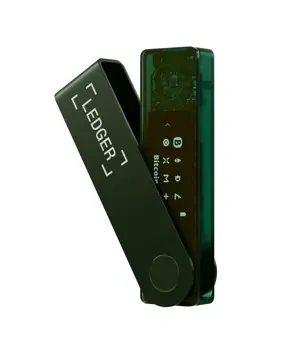
Intro: Several Nano X firmware and system versions have shipped recently, focusing on Bluetooth handshake stability, compatibility with the latest Ledger Live, and consistent exception messaging. This roundup covers the main change directions and precautions, so you can decide whether to update soon.
Change direction: The latest minor releases tuned pairing retry and power strategies, reducing handshake failures under low battery; logs and error-code copy were unified for faster problem triage.
Compatibility note: Some third-party tools may not have caught up to the latest firmware. If you see recognition issues, fall back temporarily to official Ledger Live for critical operations; keep desktop and mobile Ledger Live on the same version where possible.
Known issues: A small group of users may still see intermittent drops in heavily contested Bluetooth environments or with older USB drivers. Ledger recommends exporting diagnostic logs from the app after upgrade so support can dig in.
Before upgrading: Charge the device, close other programs competing for Bluetooth/USB, and run the upgrade in the official app. Reject any prompt asking for the recovery phrase or redirecting to an unfamiliar domain.
Safety reminder: We will never ask for your recovery phrase, PIN, verification codes, or private keys. Anyone requesting them is attempting fraud — do not share and do not proceed.
