
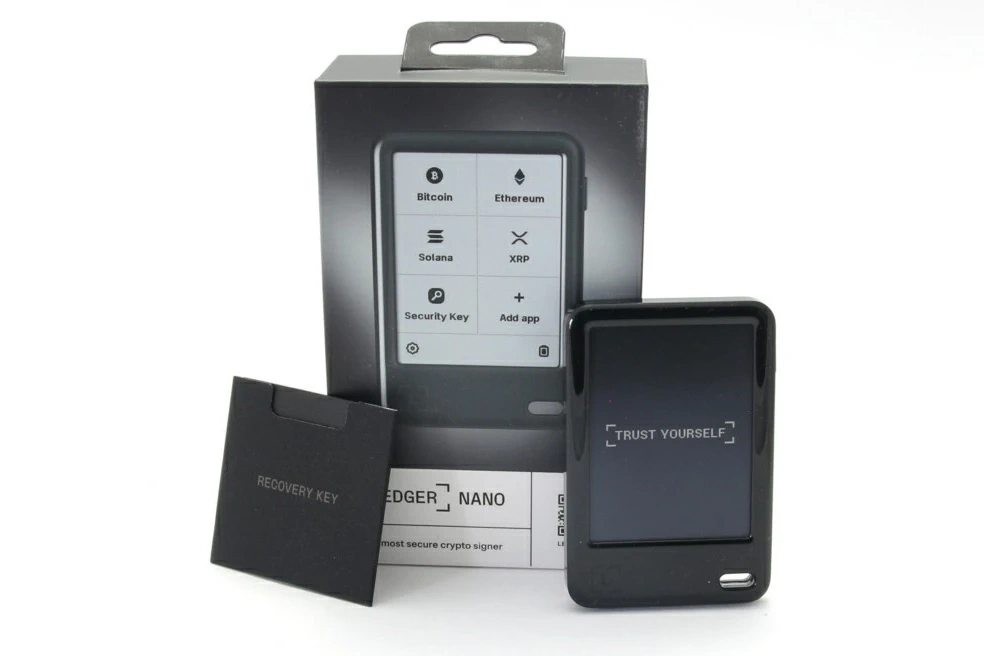
Intro: Fake Ledger Live/Wallet links appear more often in search ads, social media, and DMs — visually closer to the real thing, some offering "quick fix" packages or extensions. This note covers the common impersonation points and verification principles so you can judge authenticity before downloading or updating, and avoid exposing the device or accounts.
Background
Attackers buy search-ad slots or post short links in forums and group chats, steering users to high-fidelity download pages. The pages clone official colours and copy, and promise "one-click connection fixes." Some imposter sites also embed fake support chat windows, nudging users toward more sensitive disclosures.
Some mirror sites add country/language parameters to links but submit data to a third-party form — users who don't verify the domain may think it's a multilingual official portal.
Common impersonation points
1) Domain detail: extra/missing letters, dashes replacing dots, or terms like "ledgerlive-download" inserted as subdomain. The certificate issuer may not match, or the certificate's bound domain differs from what's displayed.
2) Download behaviour: buttons point to cloud drives, anonymous storage, or .zip/.exe files, with prompts to disable security software first. Official updates only ship through Ledger Live's built-in channel — users don't manually download firmware or extensions.
3) Permissions & popups: fake pages ask the browser to install extensions and grant clipboard / notification / file-system access. Official sites do not request these high-risk permissions in the browser.
4) Fake support: embedded "live chat" asks for recovery phrase, verification code, or remote control, pushing with a countdown. Official support does not offer remote control and does not request keys.
5) Propagation: most common in "urgent update," "fix lag," "unlock new features" framing — unfamiliar source plus high pressure is a stop-and-verify cue.
Common misconceptions
Q: Is the top search result always official?
A: Ads can be abused — type the official URL manually or use a bookmark.
Q: Does HTTPS mean safe?
A: Not necessarily — imposter sites get certificates too.
Q: Can I try a "quick fix" package?
A: No. The official channel never distributes patches via webpage — all updates go through Ledger Live.
Q: Is remote support from official support normal?
A: No. Official support doesn't provide remote control, and never asks for the recovery phrase.
Principle-level advice
1) Enter via manual URL or bookmark; verify certificate and domain match. For short links or unfamiliar domains, screenshot first and verify through official support.
2) Downloads and updates happen only inside Ledger Live. Close any "download / update" entry from a popup, email, or DM. Keep desktop and mobile on the same version.
3) If you suspect a fake site, stop entering anything, save timestamps and page screenshots, rotate related credentials on a trusted device, and submit the lead to official support.
Safety reminder: We will never ask for your recovery phrase, PIN, verification codes, or private keys. Anyone requesting them is attempting fraud — do not share and do not proceed.
