
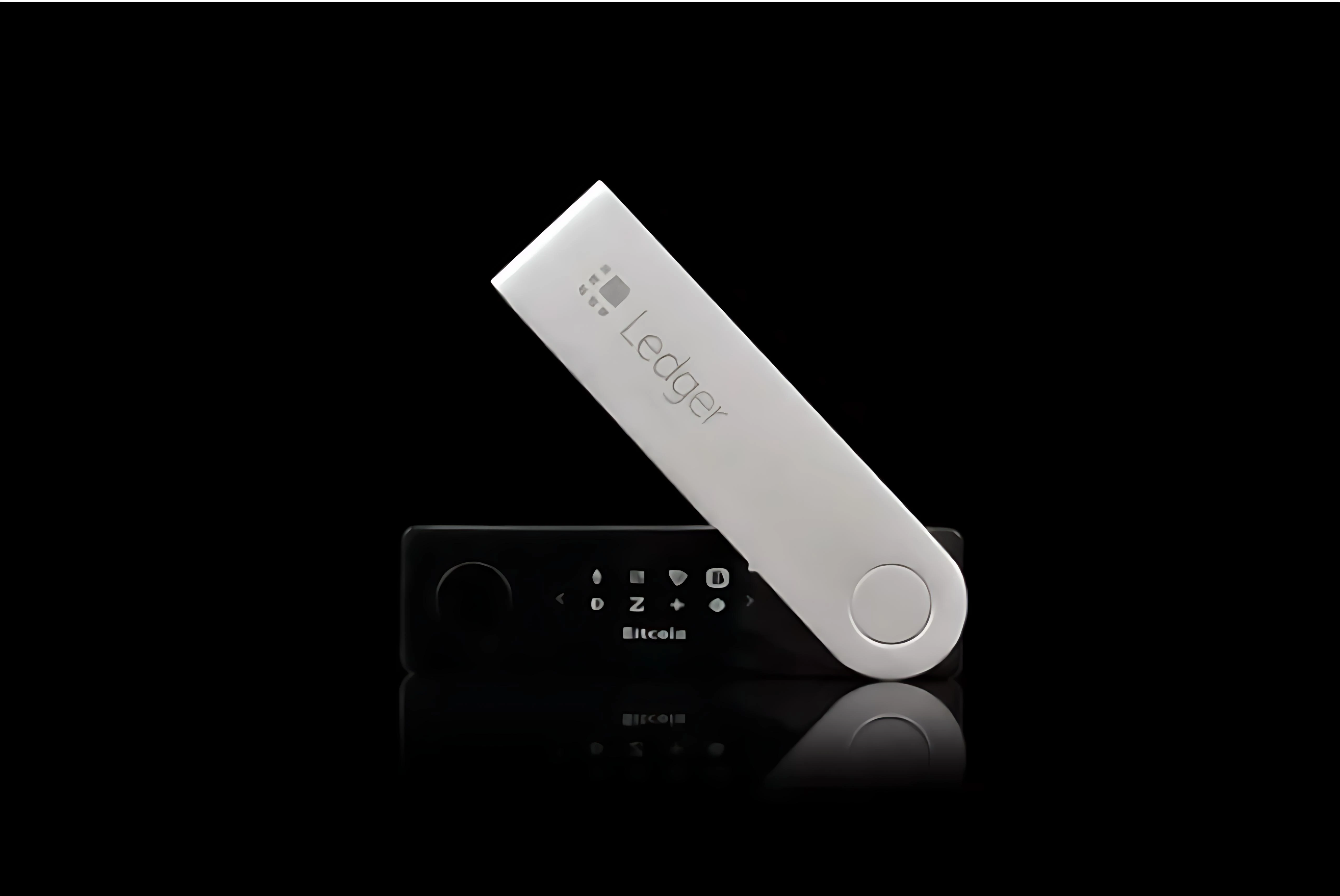
Intro: "Ledger Helper," "One-click Sync," "Signing Fix" extensions are appearing in search results and extension stores — some even with paid ad slots. They claim to improve connection or signing success, but come from unknown sources and demand high-risk permissions. Here's a breakdown of common impersonation points and verification principles — so a one-click install doesn't expose your keys.
Background
Attackers use search ads and imitation keywords to steer users to non-official extensions. After install, they request clipboard, file-system, or notification permissions — capturing recovery-phrase screenshots, addresses, or verification codes. Some inject scripts that rewrite payment addresses.
Some fake extensions pose as "official recommended" or "third-party optimised," padding reviews to lower user caution.
Common impersonation points
1) Name & icon: "Ledger Helper," "Live Fix," "Wallet Pro" with green-grey colour schemes, mimicking the official icon.
2) Origin & permissions: vague developer info unaffiliated with the official channel; on first launch, requests clipboard, file read-write, notifications, or screen recording — official extensions never do.
3) Feature promises: "auto-approve signing," "speed up sync," "skip connection confirmation" — achieved by tampering with pages or hijacking data.
4) Update method: prompts to disable security software and sideload CRX/ZIP. The official channel never asks to disable protection or sideload.
5) Propagation: mostly via search ads, forum posts, or DMs — no official-domain endorsement.
Common Q&A
Q: Are high-rated extensions safe?
A: Ratings can be gamed — cross-check the developer and official advisory.
Q: Is clipboard-only access fine?
A: Recovery phrase, addresses, and verification codes can be copied — clipboard access is high-risk.
Q: Does sideloading a CRX improve performance?
A: Sideloading bypasses source verification and may carry malicious scripts.
Q: Does "official recommended" mean safe?
A: Official recommendations are declared only on the official site or in Ledger Live.
Principles
1) Obtain tools only from the official site or Ledger Live. The official channel publishes no browser extensions — any "optimisation / fix" extension is high-risk by default.
2) Don't sideload CRX/ZIP; don't grant clipboard, file-system, or screen-recording permissions. Remove unknown installed extensions immediately, reset the browser profile, or switch browser.
3) If you suspect exposure, rotate related credentials on a trusted device, migrate assets, and submit the extension name and timestamp to official support.
Safety reminder: We will never ask for your recovery phrase, PIN, verification codes, or private keys. Anyone requesting them is attempting fraud — do not share and do not proceed.
